

Find competitors and keyword gaps
Updated
Quick answer
On Competitors, press Find my competitors to see sites ranking for the same Google keywords in your market, with shared keywords and estimated traffic. Enter a competitor's domain and press Find keyword gaps to list keywords they rank for in the top 20 where you aren't in the top 100, then save the top 25 to your keywords.
- Where
- Website menu → SEO → Competitors
On this page
How to do it
- 1
Find competitors
Press Find my competitors. Competitors from your website settings are shown too.
- 2
Run a keyword gap
Type a competitor domain or pick one from the list, then press Find keyword gaps.
- 3
Save the best
Press Save top 25 to my keywords to add them with their metrics.
- 4
Work the opportunities
The Opportunities list ranks what to work on next from your Search Console data, tracked keywords and gaps, each with the reason.
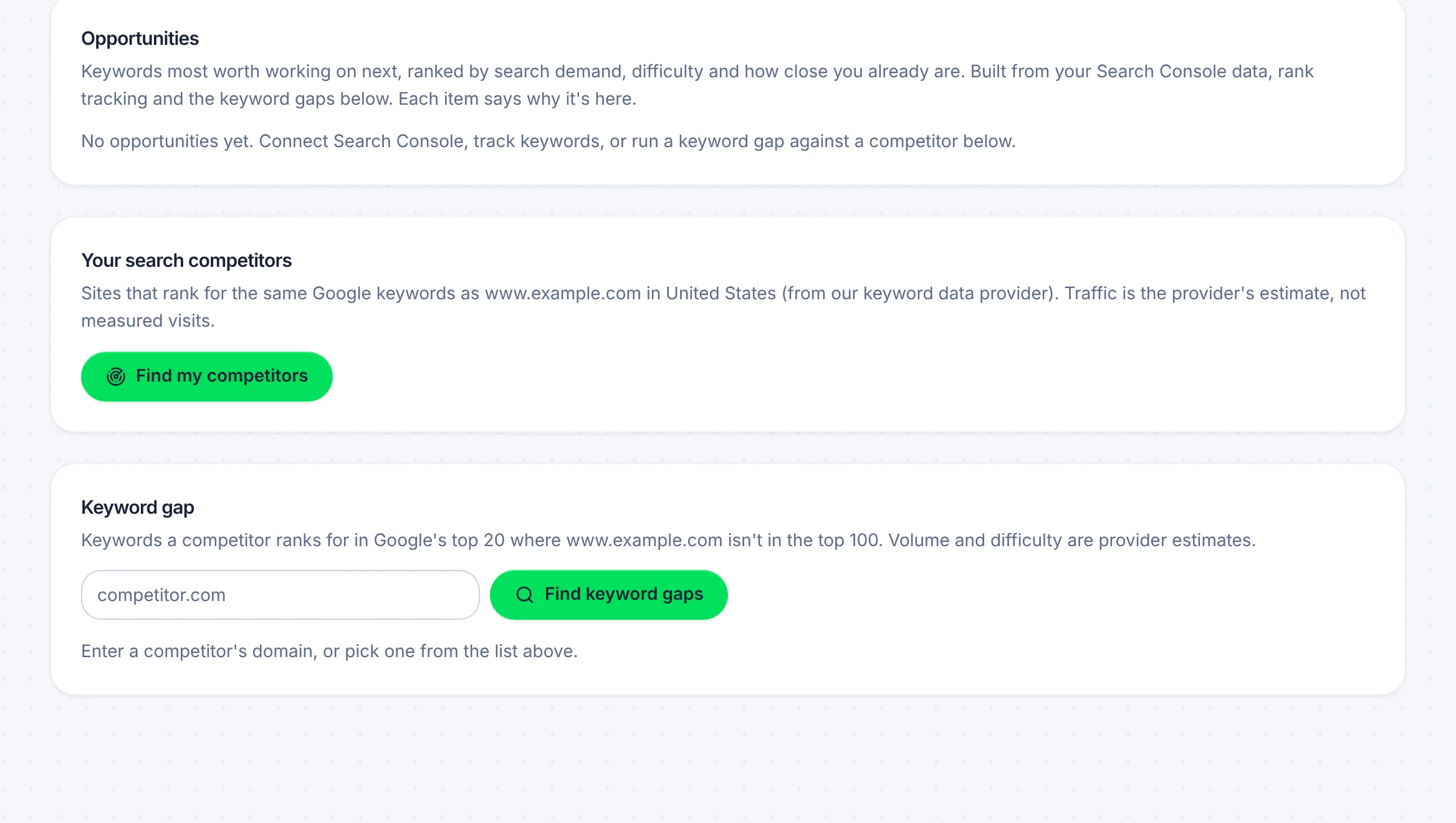
- 1Ranked opportunities from your data and keyword gaps.
- 2Finds sites ranking for the same Google keywords.
- 3Enter a competitor for a keyword gap.
- 4Keywords they rank for where you don't.
Screenshot from the Sonnetpilot app (a new workspace, before any data was collected). Open full size
Frequently asked questions
Is competitor traffic measured?
No. It is the keyword data provider's estimate and is labelled as such.
How often can I refresh a keyword gap?
Once every 10 minutes per competitor. Results are stored so you can come back to them.
Related guides
- Research keywords and track Google rankingsFind keyword ideas with volume, difficulty and CPC, group them into topics, track Google positions and use the Page one push checklist.
- Monitor backlinks and find link prospectsSee your backlink profile, compare it with competitors, find broken-link, resource-page and unlinked-mention prospects, and verify links.
- Create content briefs, AI drafts and on-page fixesPlan pages that can beat Google's current top 10, draft articles in your brand voice, and fix flagged titles, descriptions and H1s.
Something unclear or out of date? Tell us and we'll fix the guide.