

Connect Google Search Console, Analytics and PageSpeed
Updated
Quick answer
On Search Performance press Connect Google, sign in, and pick the Search Console property that covers your site. Sonnetpilot imports up to 16 months of daily history and syncs every day. On the same page you can connect Google Analytics 4 for organic sessions, conversions and revenue; Core Web Vitals are tested automatically after each audit.
- Where
- Website menu → Results → Search Performance
How to do it
- 1
Connect Google
Open Search Performance and press Connect Google. Sonnetpilot asks for read-only Search Console access.
- 2
Pick the property
Only properties that cover your website are listed. Choose one.
- 3
Wait for the first sync
The first sync imports up to 16 months of daily totals and the top queries. After that it syncs daily.
- 4
Connect Analytics (optional)
Grant read-only Analytics access with the same Google connection and pick a GA4 property to import organic sessions, key events and revenue.
- 5
Check speed
Core Web Vitals are tested on mobile and desktop after every audit. Use Check speed now on Site Overview to test again.
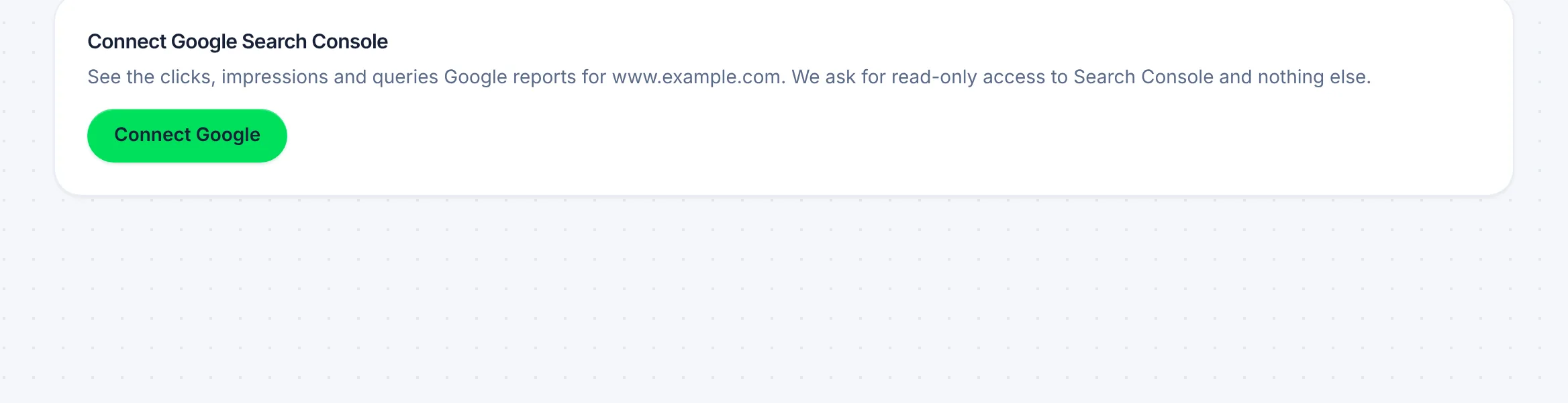
- 1Grants read-only access to Search Console.
Screenshot from the Sonnetpilot app (a new workspace, before any data was collected). Open full size
What is imported
- Search Console: daily clicks, impressions, CTR and average position, top queries, per-page totals for the last and previous 28 days, and query-by-page rows used to find cannibalization.
- Google Analytics 4: 16 months of daily organic-search sessions, key events (conversions) and revenue, re-synced with every Search Console sync.
- PageSpeed Insights: the lab result (performance score, LCP, TBT, CLS, FCP, Speed Index) and Chrome UX Report field data (p75 LCP, INP, CLS, FCP, TTFB) with Google's pass or fail assessment. Missing field data is shown as missing.
Frequently asked questions
Can Sonnetpilot change anything in my Google accounts?
No. Search Console and Analytics access is read-only.
Google warned that it hasn't verified the app. What do I do?
If Google shows this screen for the Analytics permission, choose Advanced, then Go to Sonnetpilot. The connect notice in the app explains the exact clicks.
Why is my Search Console property not listed?
Only properties that cover your verified website appear. Make sure the Google account you signed in with has access to a property for that domain or URL prefix.
Related guides
- Measure growth with before and after comparisonsCompare organic clicks, rankings, technical health and backlinks before and after a period or your baseline, with data status on every number.
- Run a technical SEO auditCrawl your website with Sonnetpilot to find technical SEO issues with evidence, get a health score, Core Web Vitals and an AI fix plan.
- How Sonnetpilot labels dataSources, freshness and the difference between measured data, provider estimates and AI estimates in Sonnetpilot.
Something unclear or out of date? Tell us and we'll fix the guide.