

Fix audit issues and find search opportunities
Updated
Quick answer
Technical SEO turns your latest audit and Search Console data into a to-do list. Audit fixes groups every finding by type with its impact, effort and fix mode; one click prepares AI fixes for a finding. Search opportunities lists pages close to the top, pages losing clicks, low click-through pages and more, each with its evidence.
- Where
- Website menu → SEO → Technical SEO
- Cost
- Preparing fixes uses AI credits (10 per batch of up to 8 pages)
How to do it
- 1
Run an audit first
Fixes come from the latest technical audit on Site Overview.
- 2
Filter the list
Use chips such as one-click ready, high impact, needs a person or nothing left open.
- 3
Prepare fixes
On a one-click finding press Fix N pages. Sonnetpilot works through every page in batches; you can stop after the current batch.
- 4
Review and approve
Prepared fixes become change requests and follow the website's automation mode.
- 5
Use opportunities
On the Search opportunities tab, select several one-click opportunities and prepare them together.
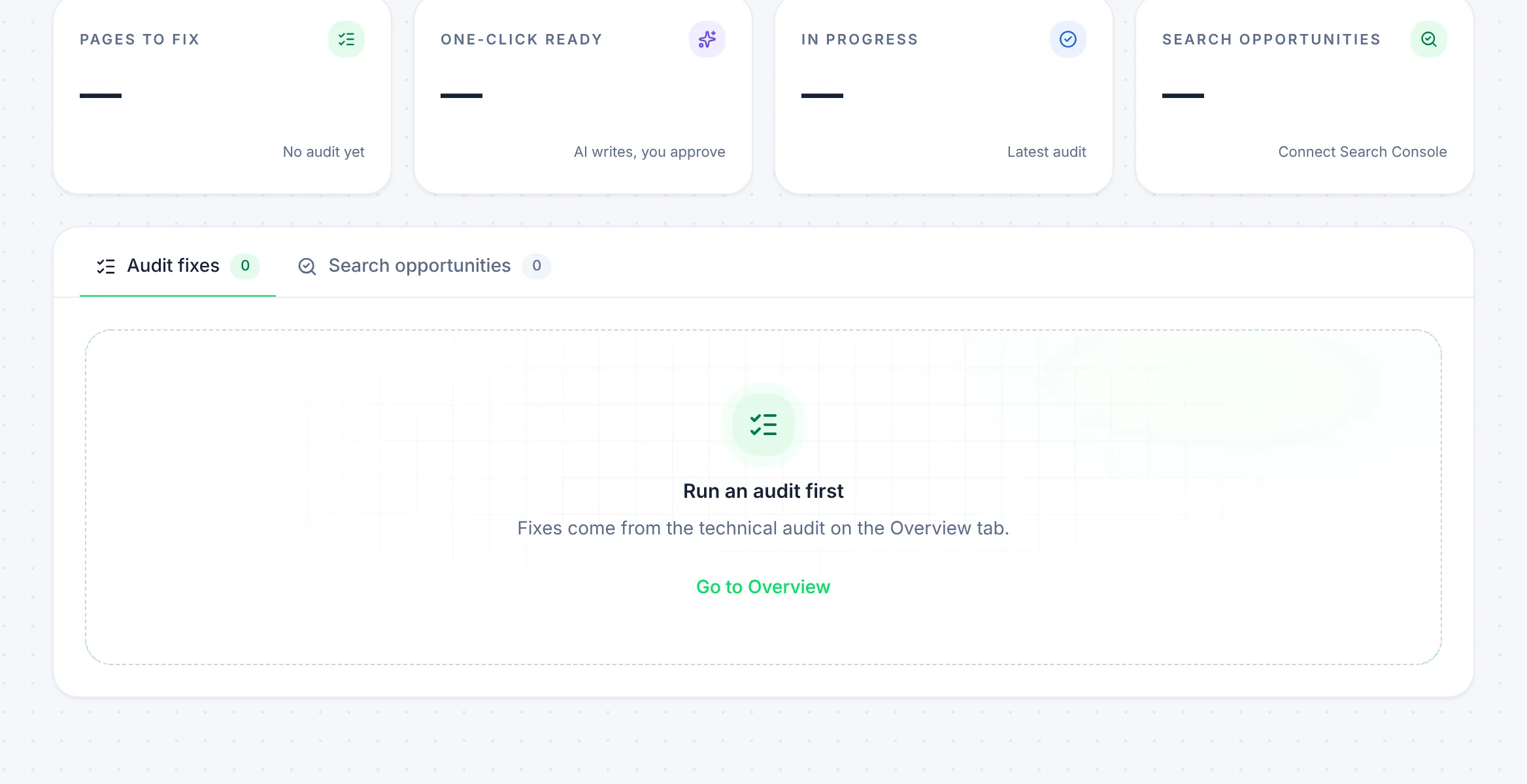
- 1Summary tiles: pages to fix, one-click ready, in progress, search opportunities.
- 2Audit fixes: every finding grouped by type.
- 3Search opportunities from Search Console and the audit.
Screenshot from the Sonnetpilot app (a new workspace, before any data was collected). Open full size
Fix modes
- One-click: Sonnetpilot can write the fix, for example a new title or meta description written from the live page.
- Needs a person: the card explains how to fix it and lists the affected pages.
- Never automated: recommendations such as redirects or canonicals that you make yourself.
Open How to fix and affected pages for the explanation and up to 200 pages per finding, filterable by open, in progress, fixed and needs a look.
Opportunity types
- Pages and queries at positions 4 to 20, close to the top 3 or to page one.
- Page-one pages with a low click-through rate compared with your own pages at similar positions (one-click new title and description).
- Pages and queries that lost clicks against the previous 28 days.
- Pages with search demand but few internal links.
- Several of your pages competing for one search (cannibalization).
- Competitor content gaps from saved keyword-gap reports.
Each shows priority, effort and risk. Where it can be worked out, an estimated benefit is labelled Estimate with its method. No rankings or traffic are guaranteed.
Frequently asked questions
Why does Technical SEO say Run an audit first?
Fixes are built from the latest completed audit. Run one from Site Overview.
Do one-click fixes go live immediately?
Only if the website is in Autopilot and that change kind is pre-authorized. Otherwise they wait for approval.
Related guides
- Run a technical SEO auditCrawl your website with Sonnetpilot to find technical SEO issues with evidence, get a health score, Core Web Vitals and an AI fix plan.
- Approve, verify and roll back changesHow a Sonnetpilot change request moves from proposal to QA check, approval, apply and live verification, and how to undo it.
- Research keywords and track Google rankingsFind keyword ideas with volume, difficulty and CPC, group them into topics, track Google positions and use the Page one push checklist.
Something unclear or out of date? Tell us and we'll fix the guide.